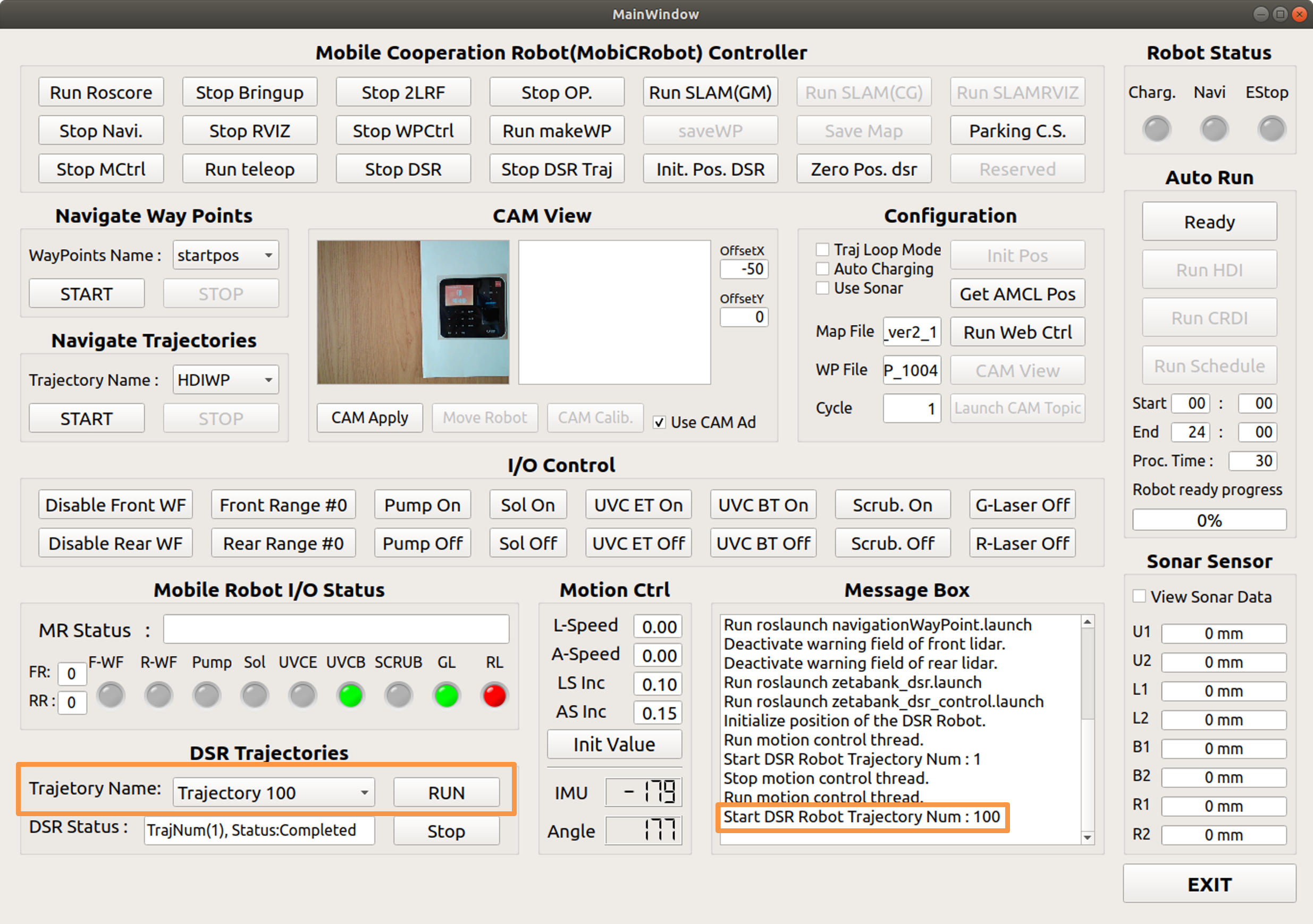
Cam Apply
Fingerprint recognition using a camera
Execute after positioning the robot near the fingerprint reader
Use CAM Ad
Determining whether to apply a fingerprint reader position adjustment algorithm using a camera
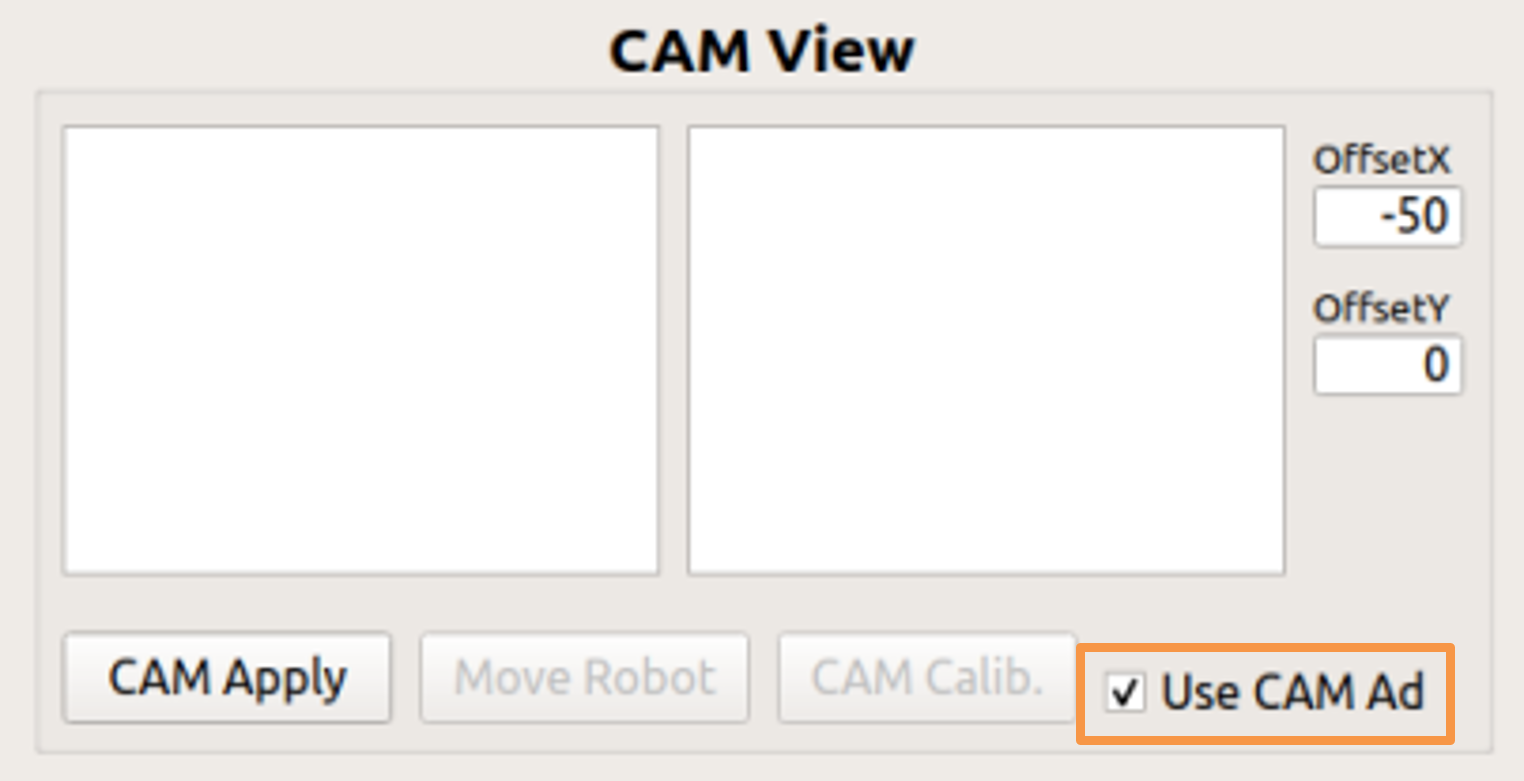
CAM Apply : Execute camera manual recognition
Use endtool’s cam function.
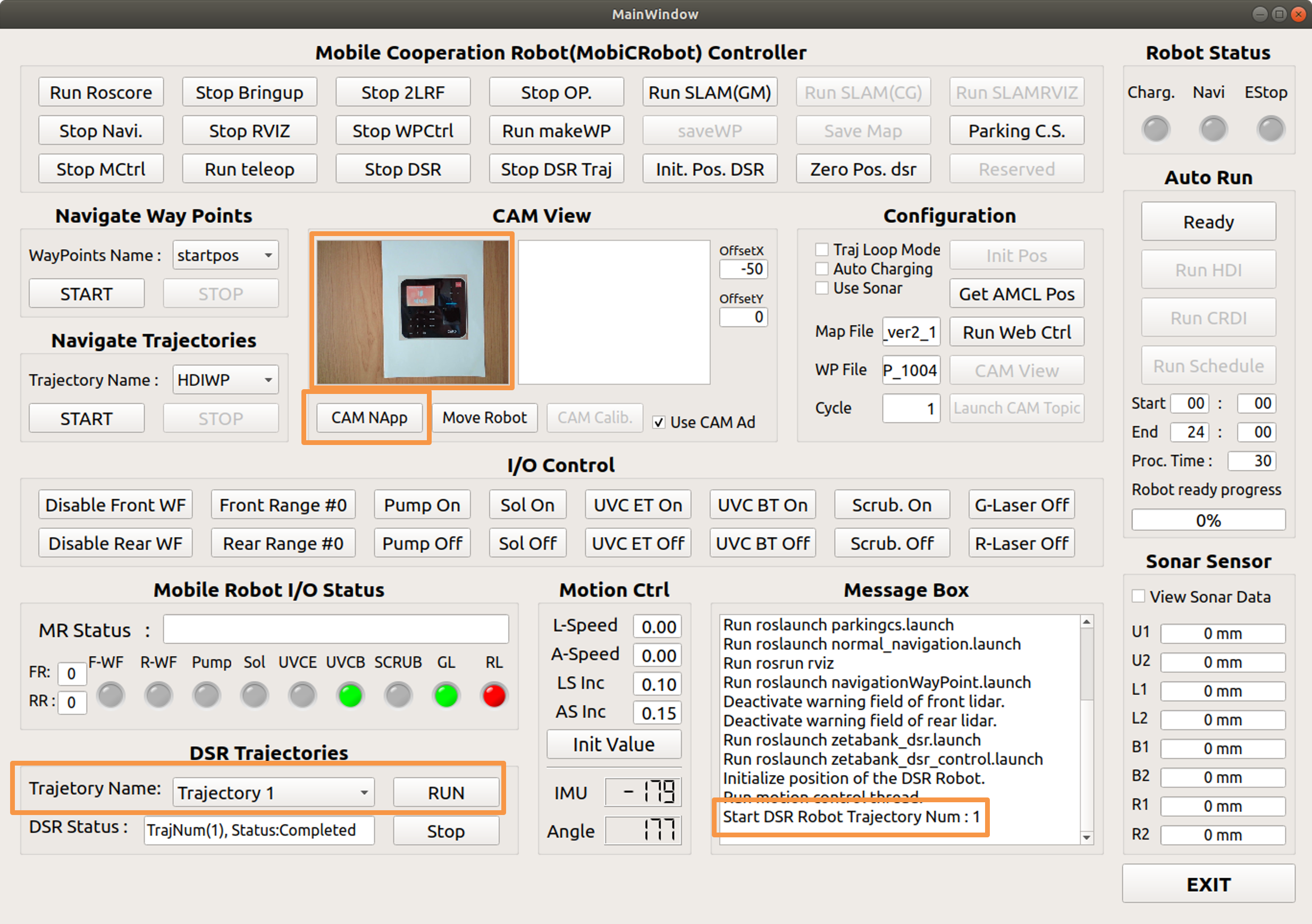

CAM Apply: Robot movement, stop after completion
Move the driving part of the robot.
When the robot arm reaches a position where it can disinfect the fingerprint reader, the driving part stops.
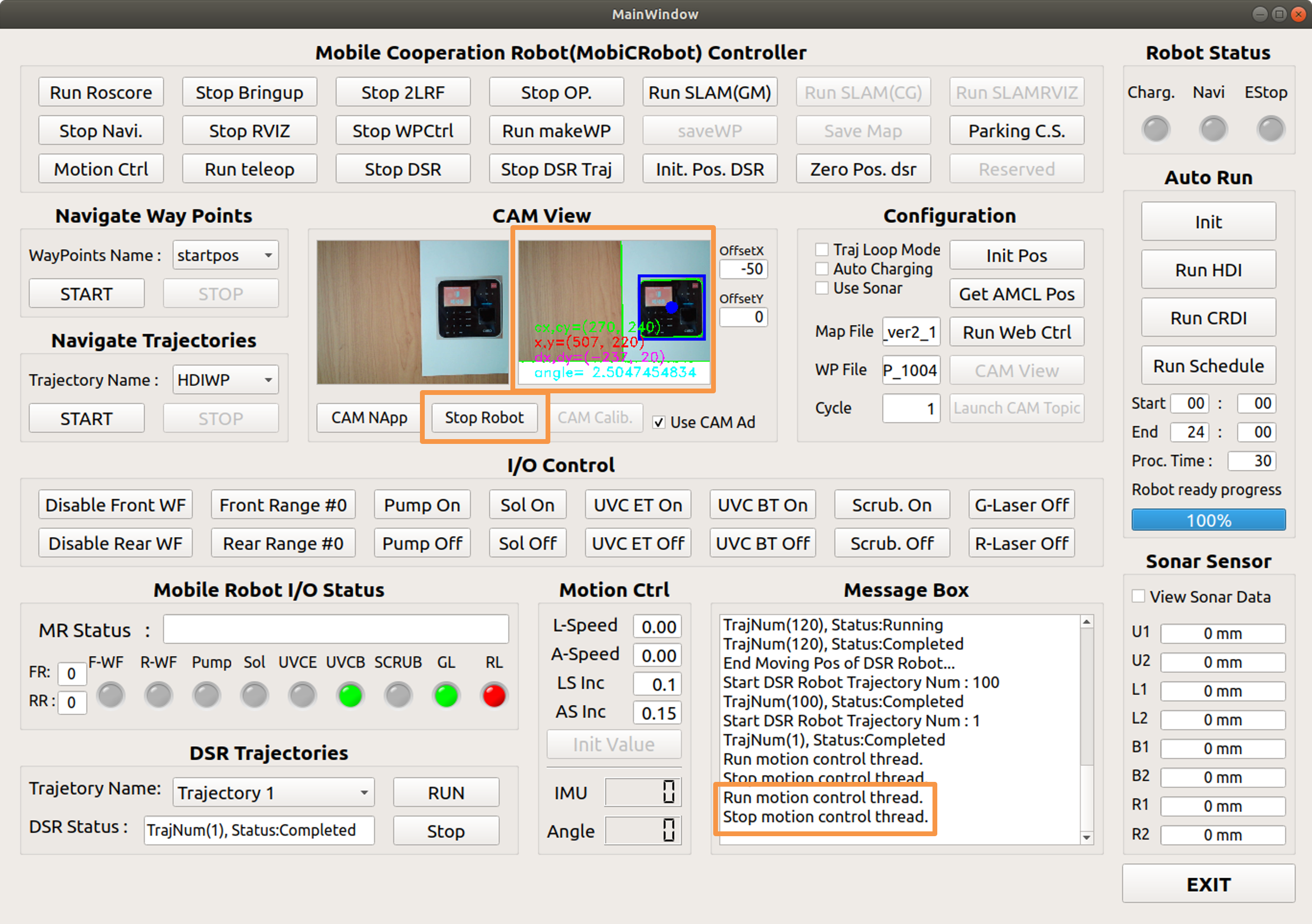

Disinfection work after location adjustment is completed
Completion of cam view adjustment by moving the driving part
Center the fingerprint reader and advance the robot arm for disinfection
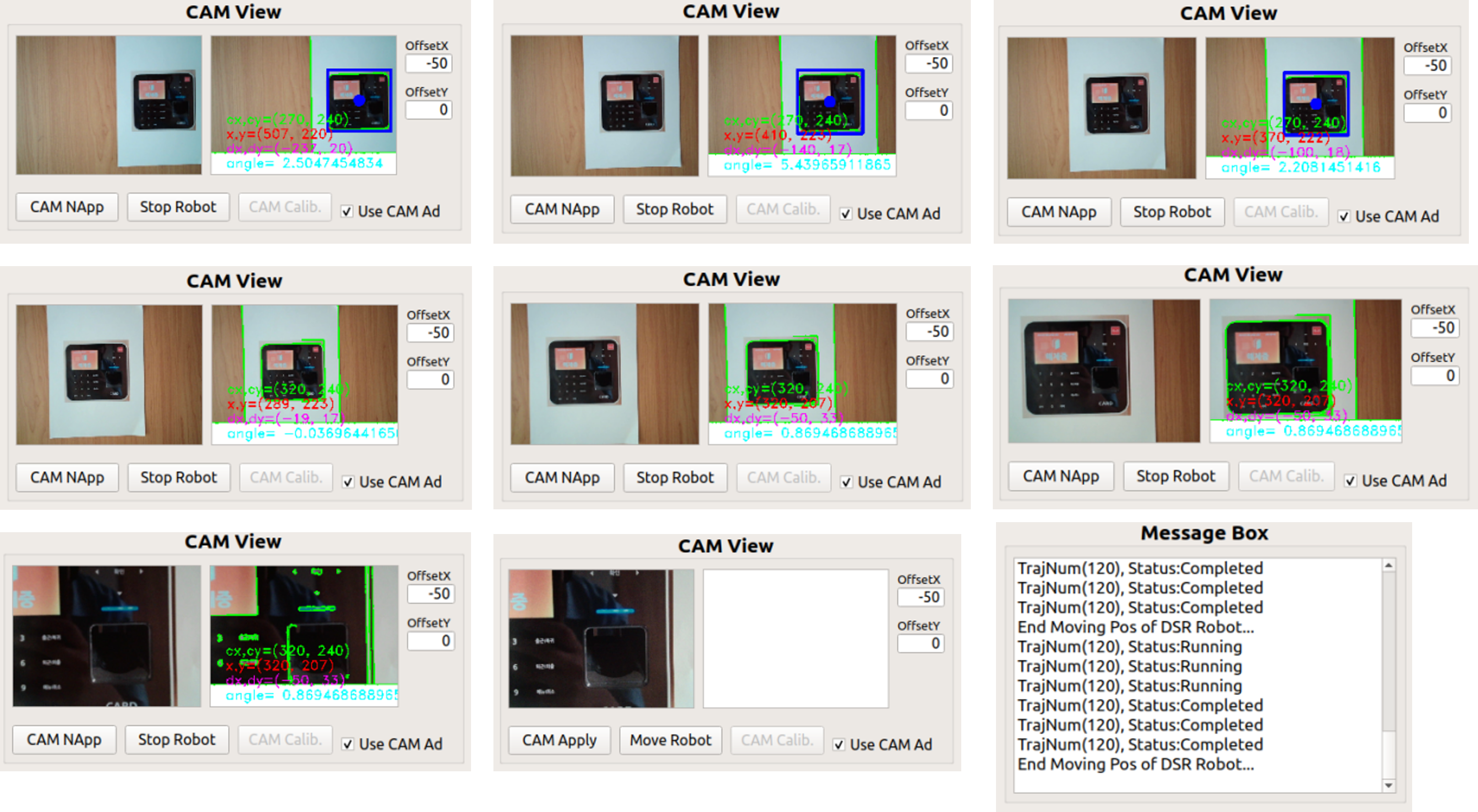
Return of the robot arm
When the disinfection of the fingerprint reader is completed, the arm returns to the init point.
Full Procedure