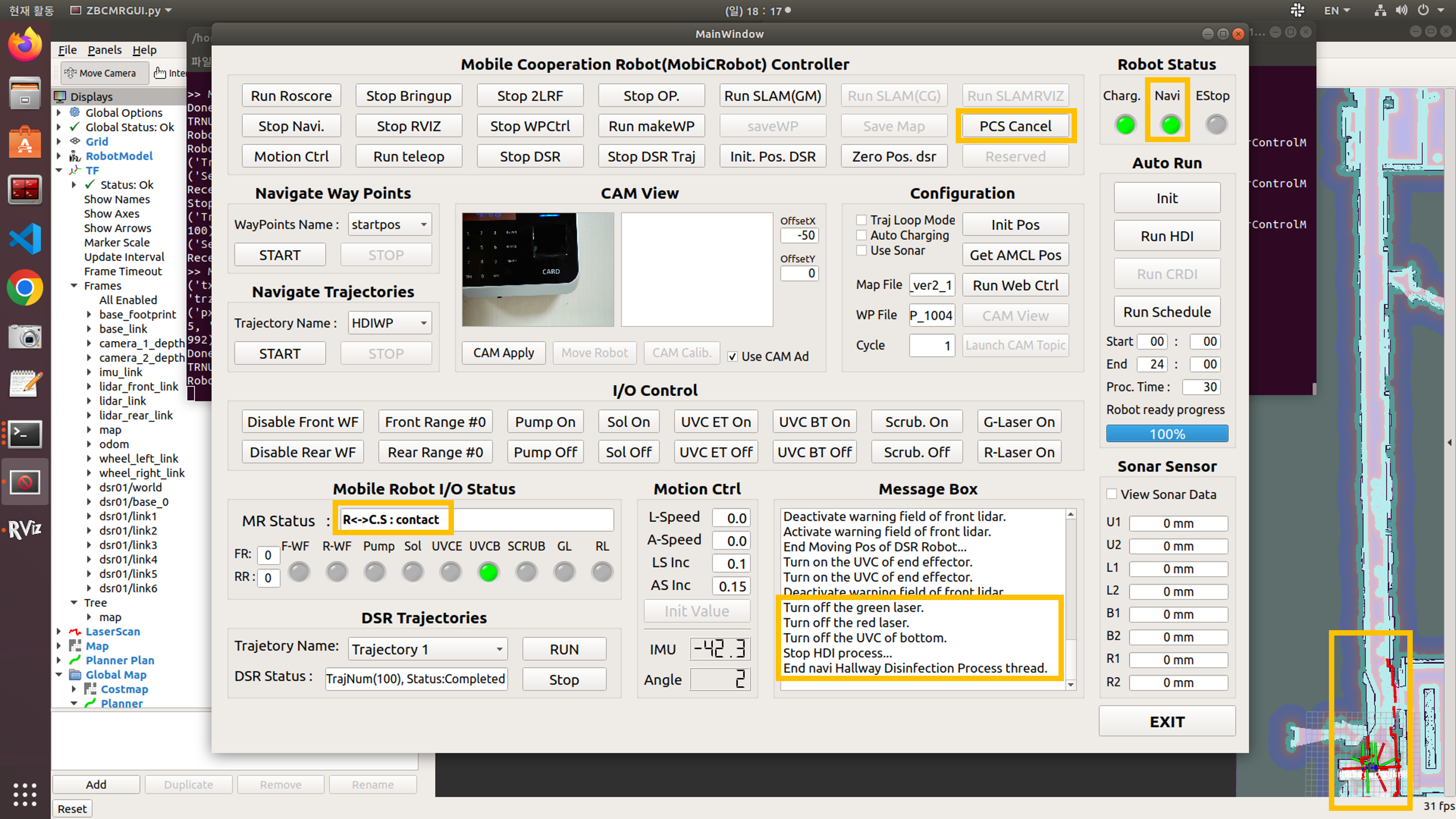
Hallway Disinfection
City hall annex hallway dry disinfection process.
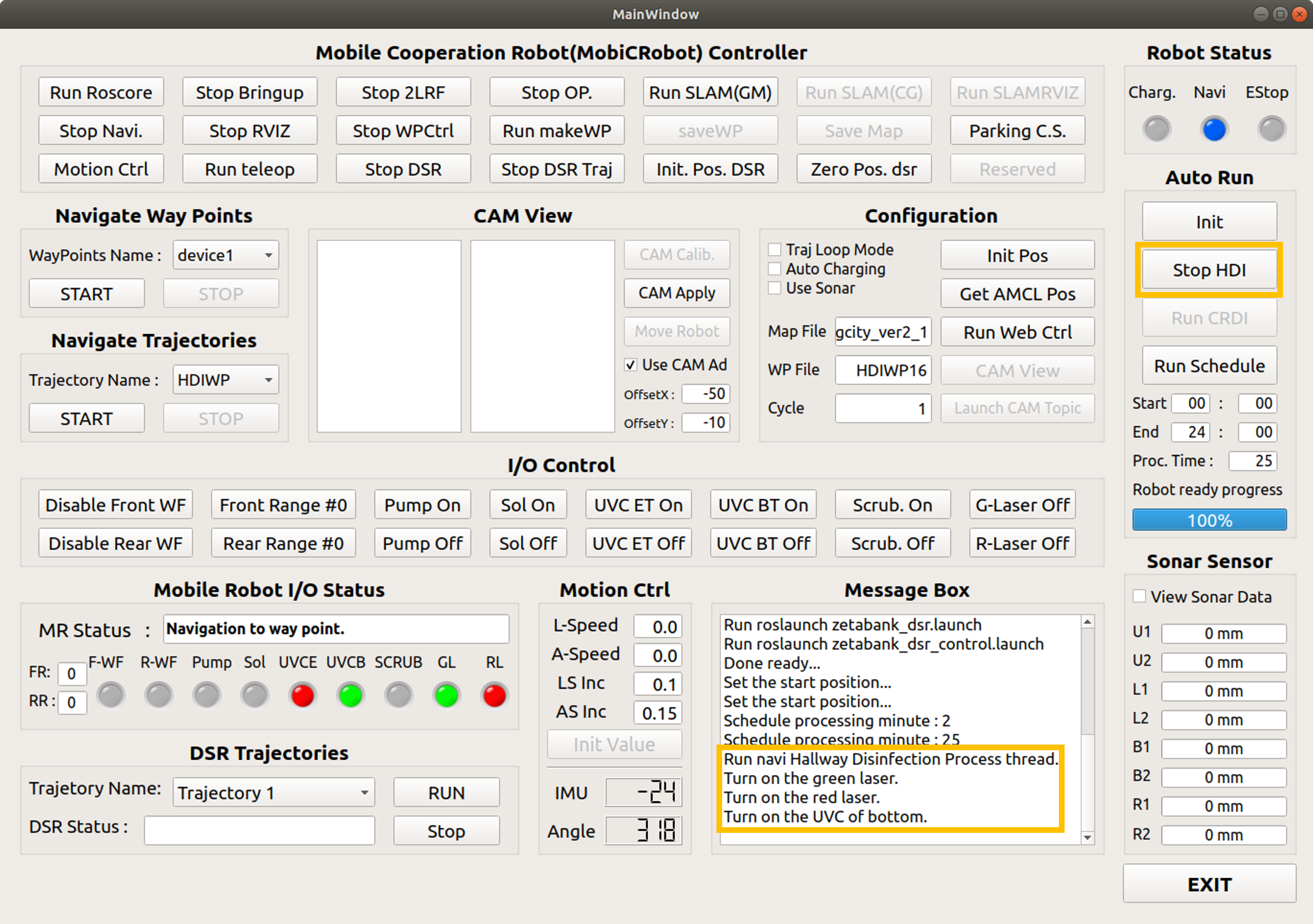
Run HDI
Click the Run HDI button under the auto run category on the right side of the GUI.

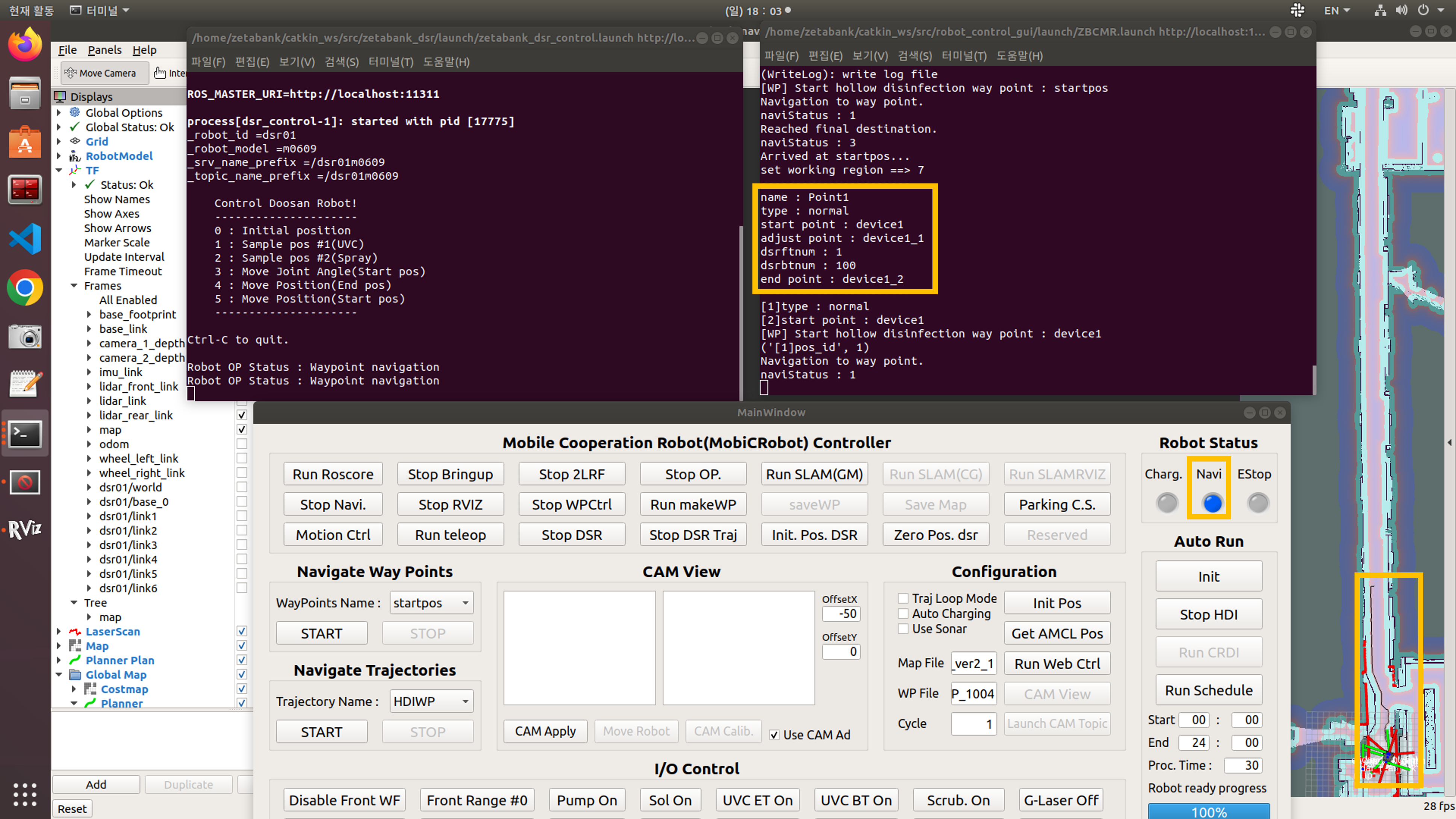
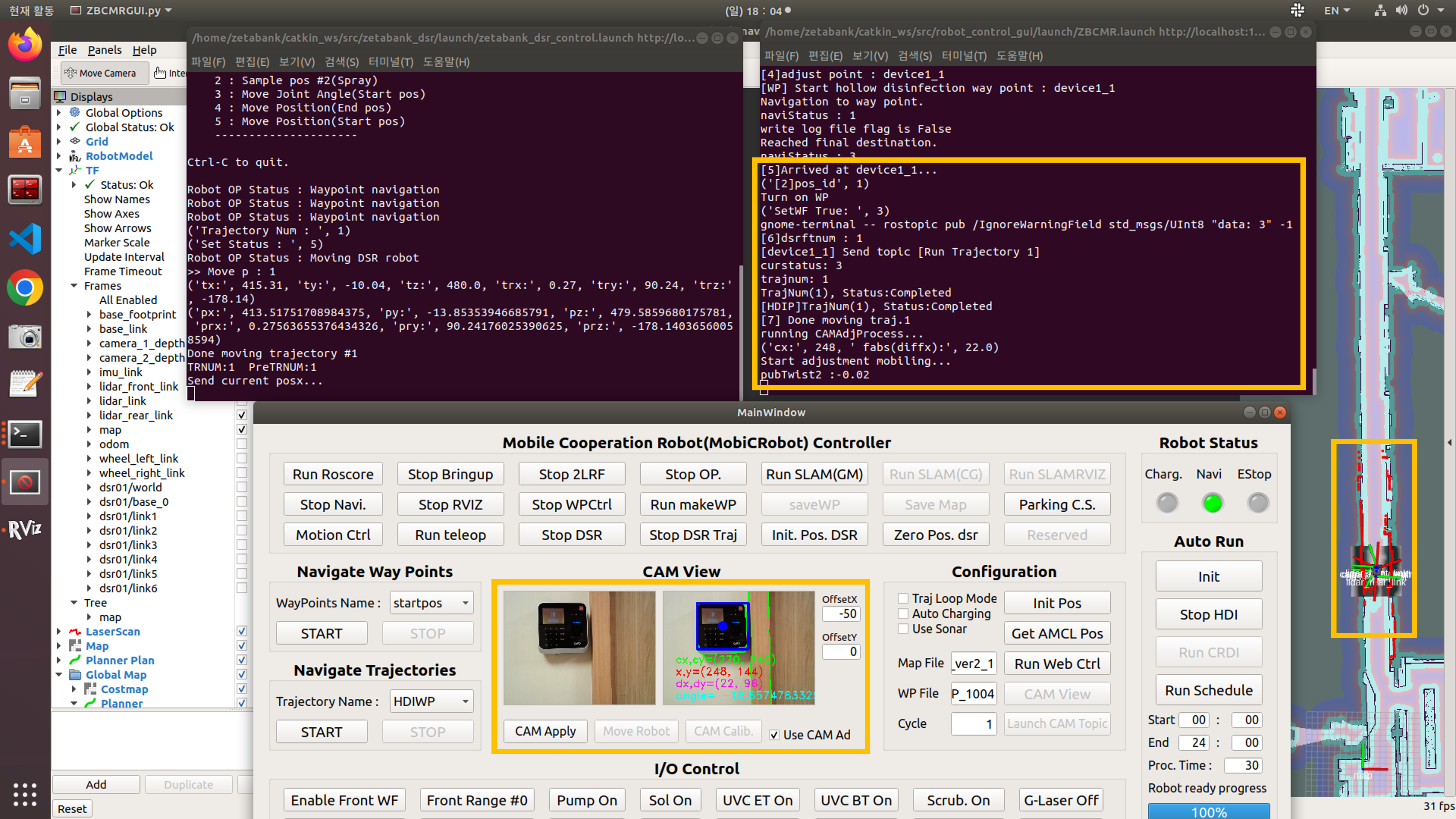
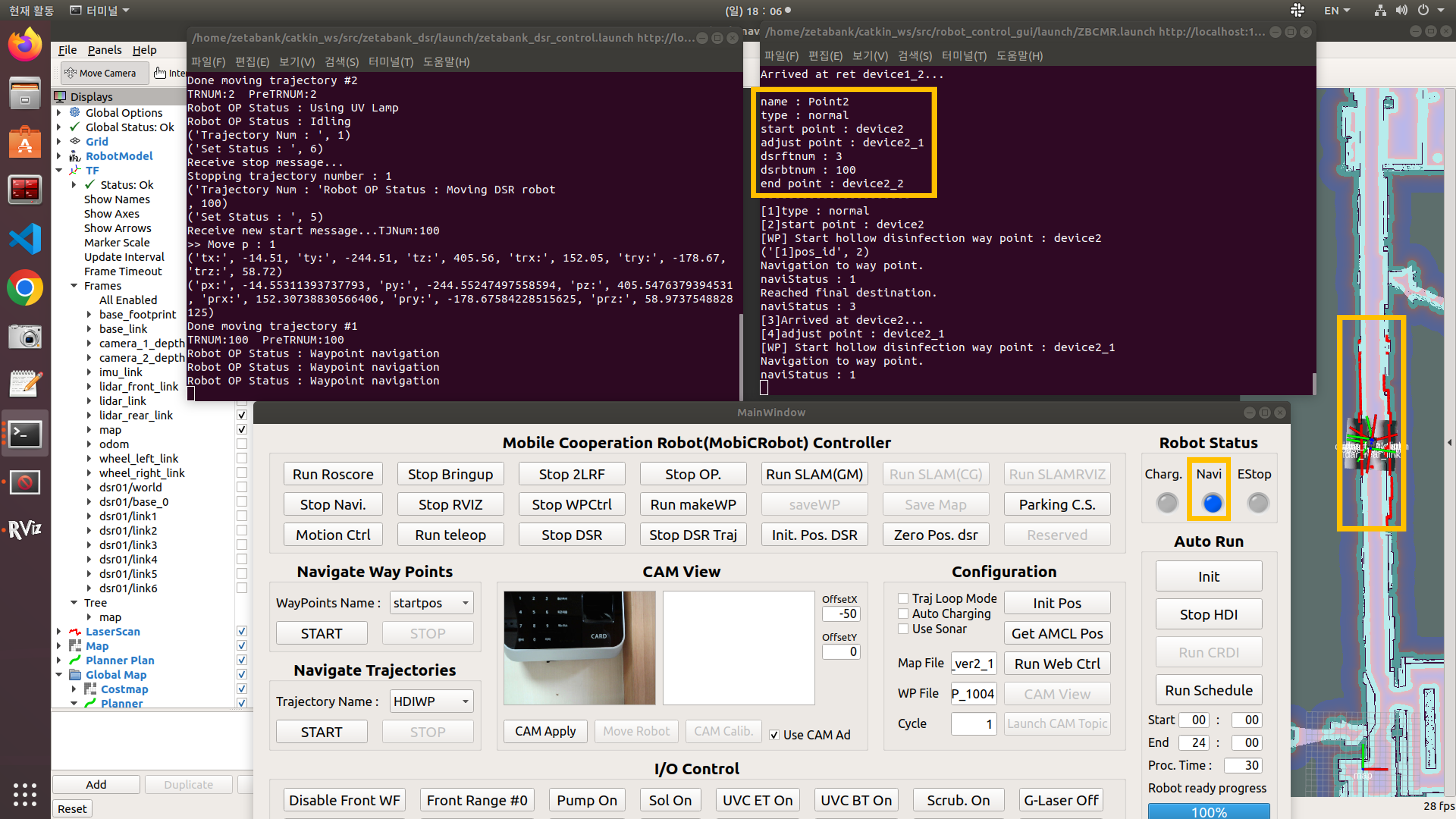
Move to fingerprint reader #1 and Adjust the position
After moving to #1 fingerprint reader, a disinfection process is conducted.
Move to fingerprint reader #2 and Adjust the position
After moving to #2 fingerprint reader, a disinfection process is conducted.
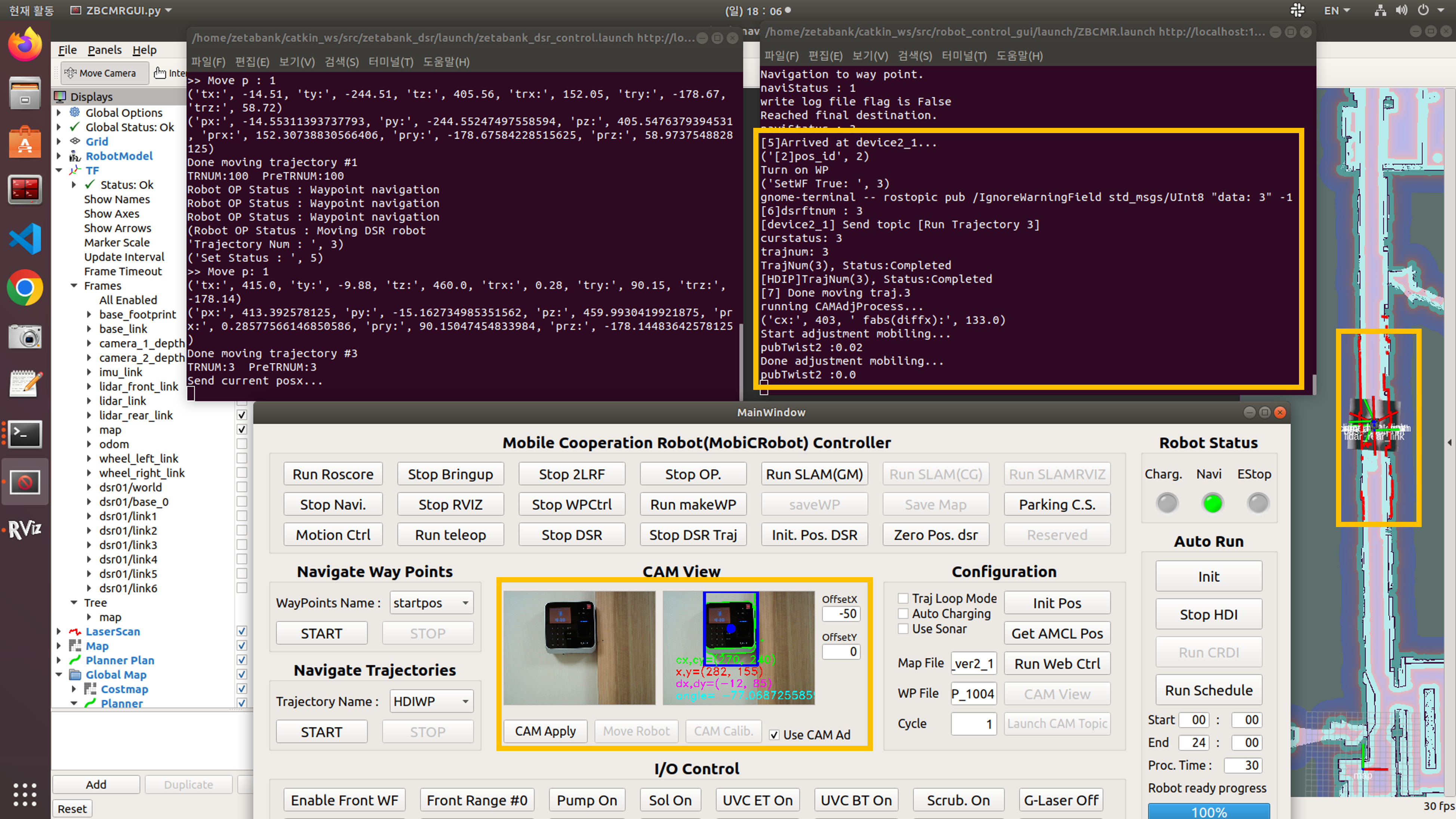
Move to Lobby Pos
Turn the robot in the opposite direction in the lobby to disinfect numbers 3 and 4 on the other side of the disinfected fingerprint scanners 1 and 2.
It is possible to turn the direction of the robot in the hallway, but since the hallway is narrow and there are many people, changing the direction of the robot in a wide place does not cause inconvenience to pedestrians.
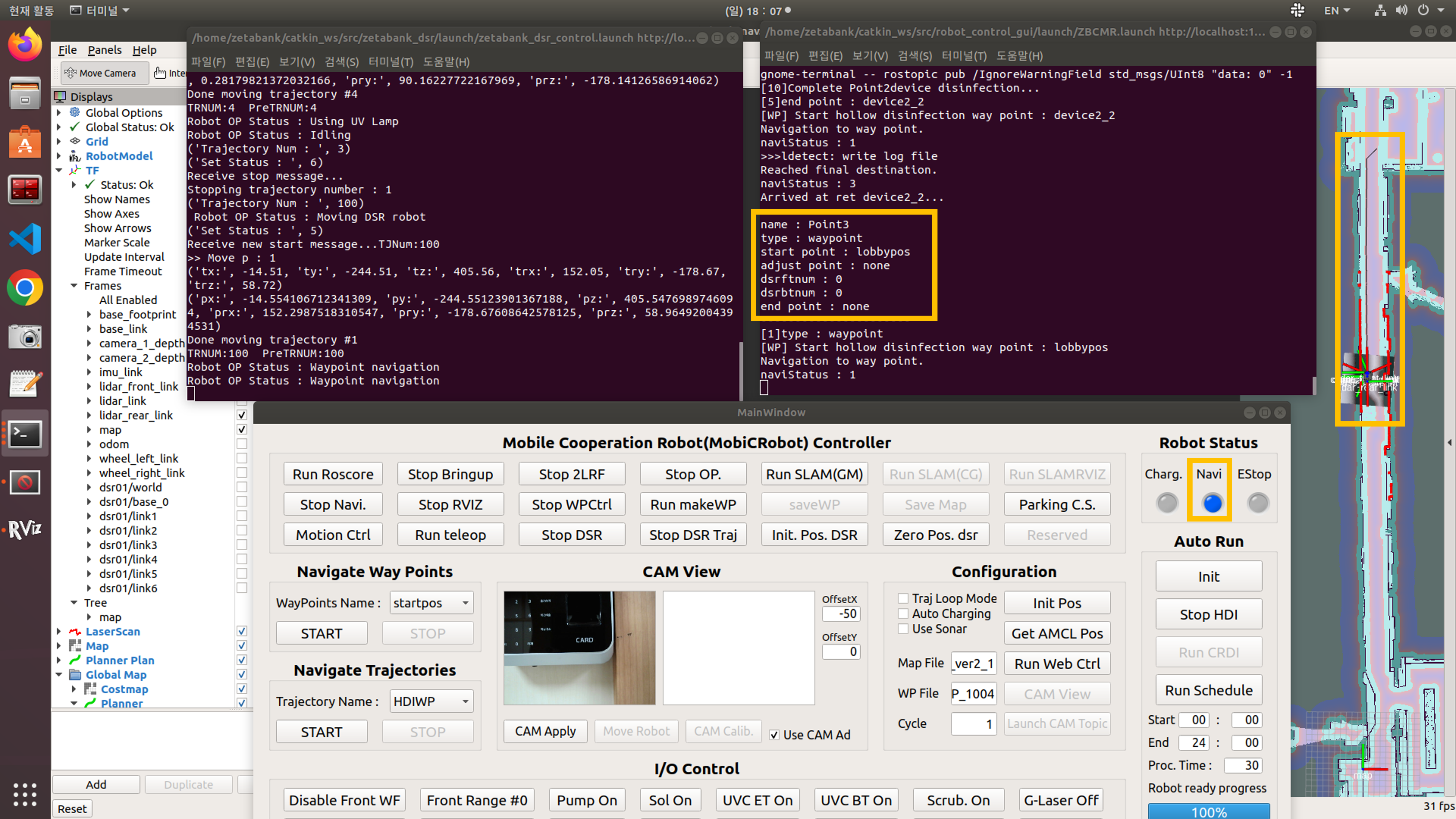
Move to fingerprint reader #3 and Adjust the position
After moving to #3 fingerprint reader, a disinfection process is conducted.
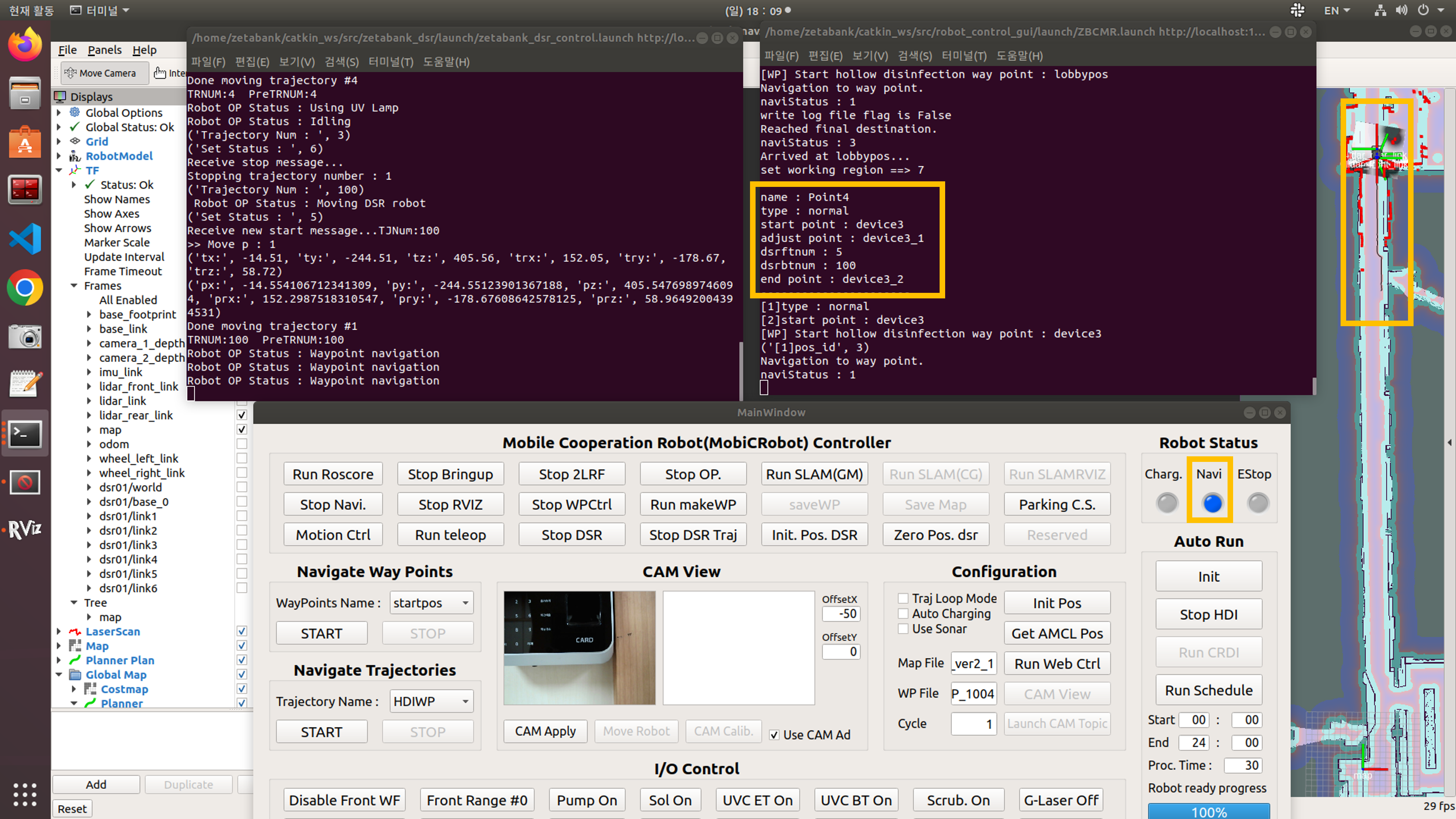
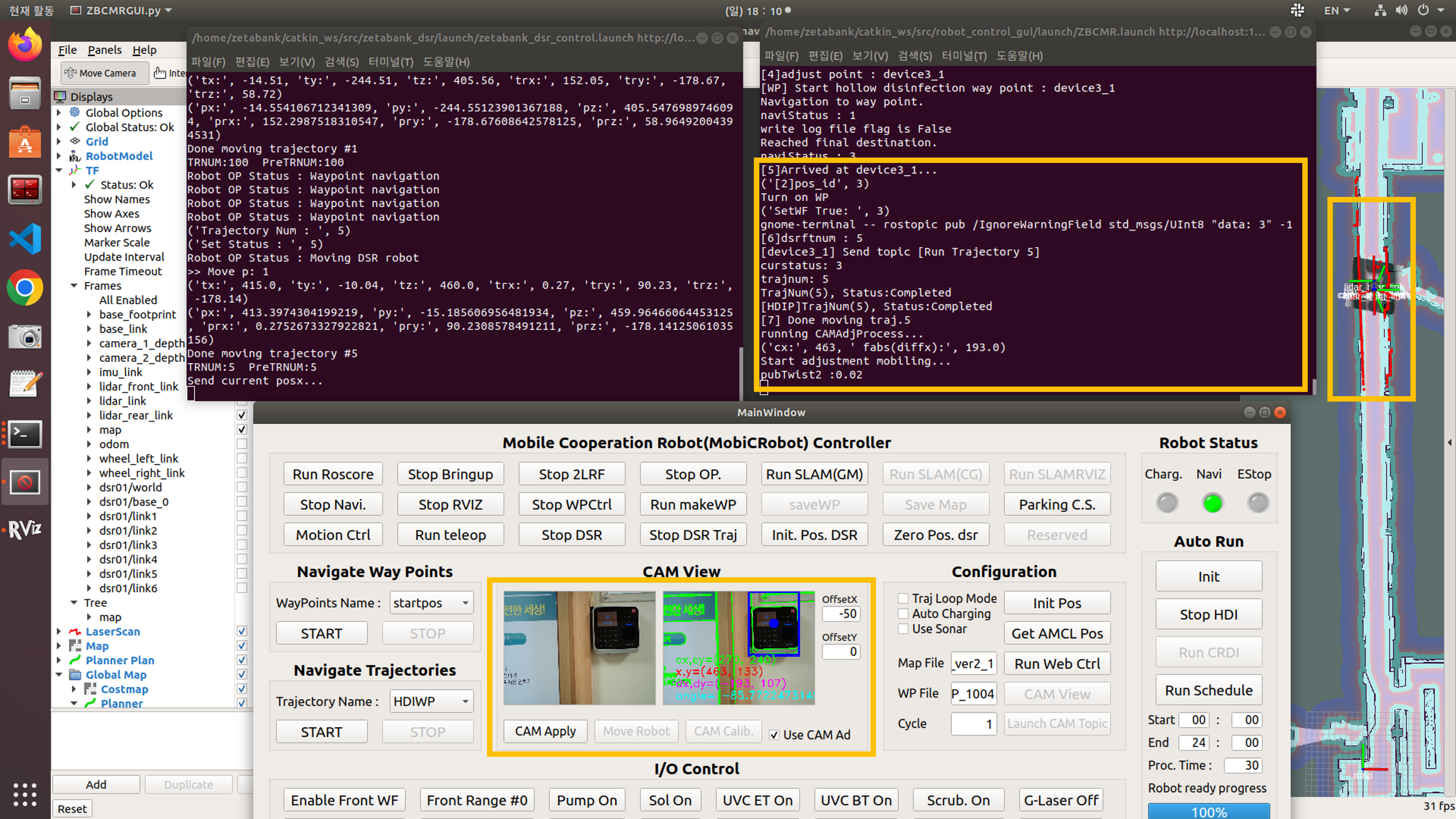
Move to fingerprint reader #4 and Adjust the position
After moving to #4 fingerprint reader, a disinfection process is conducted.
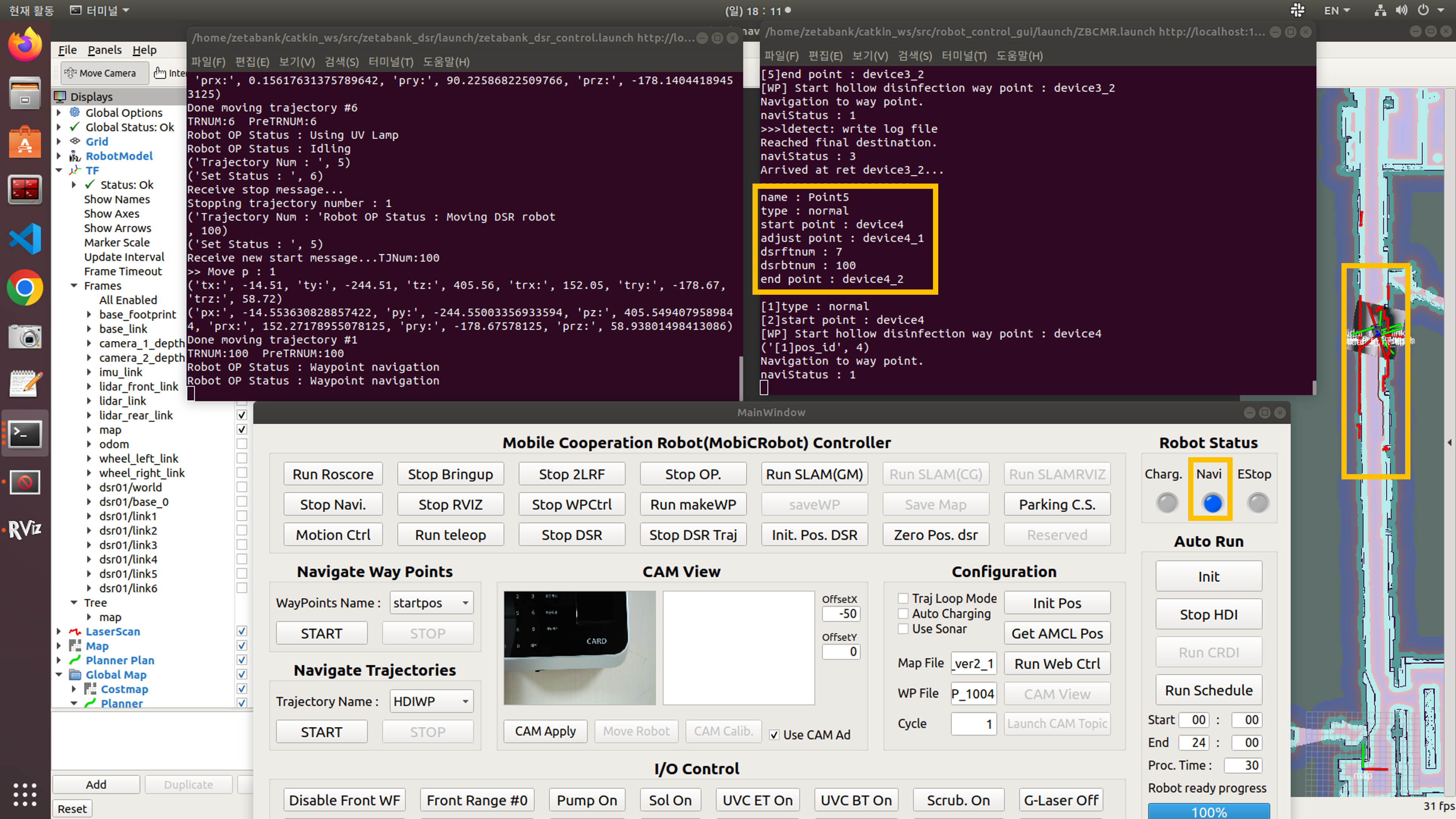
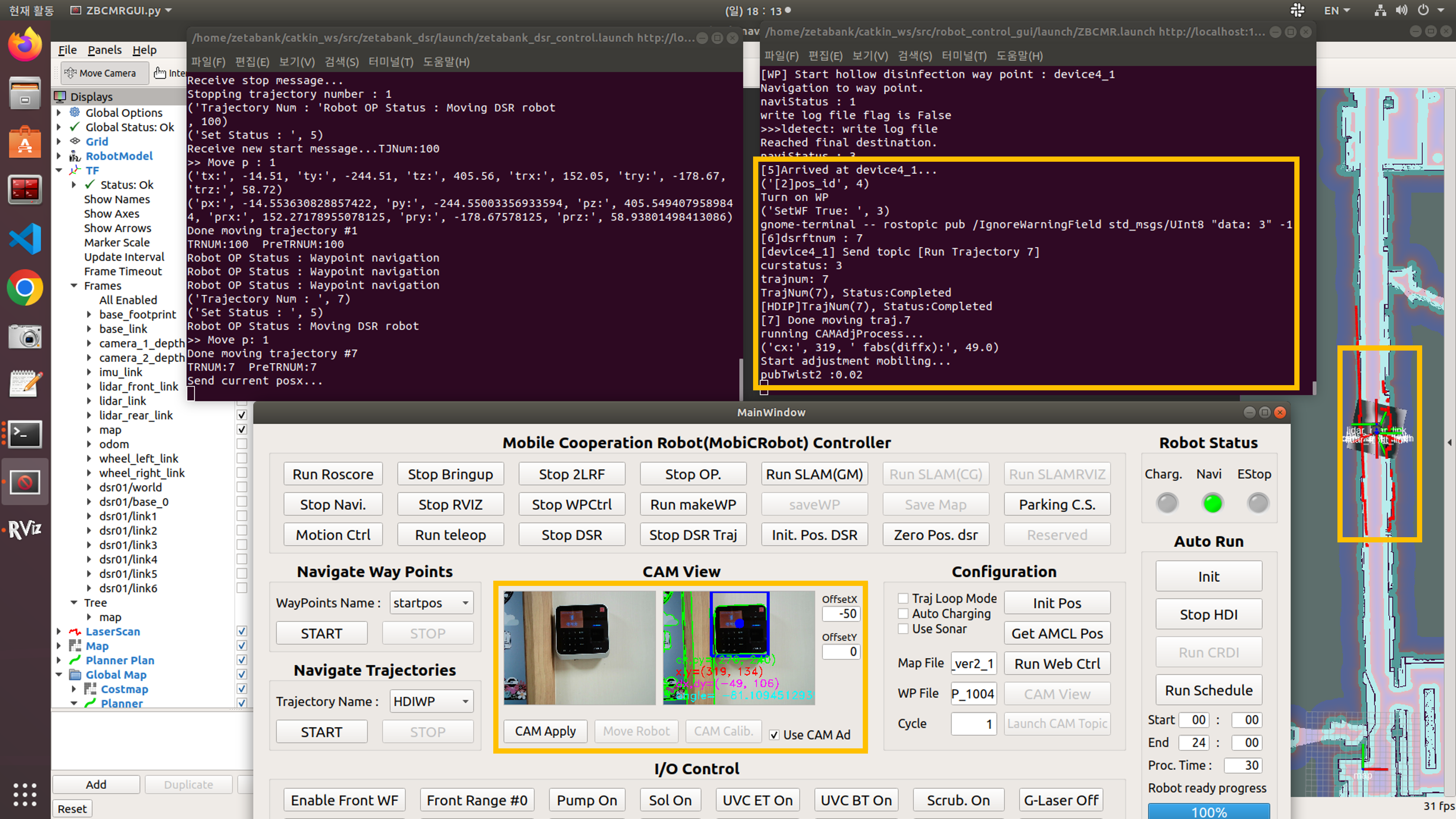
Move to charging station
Go to the charging station to do the charging process.
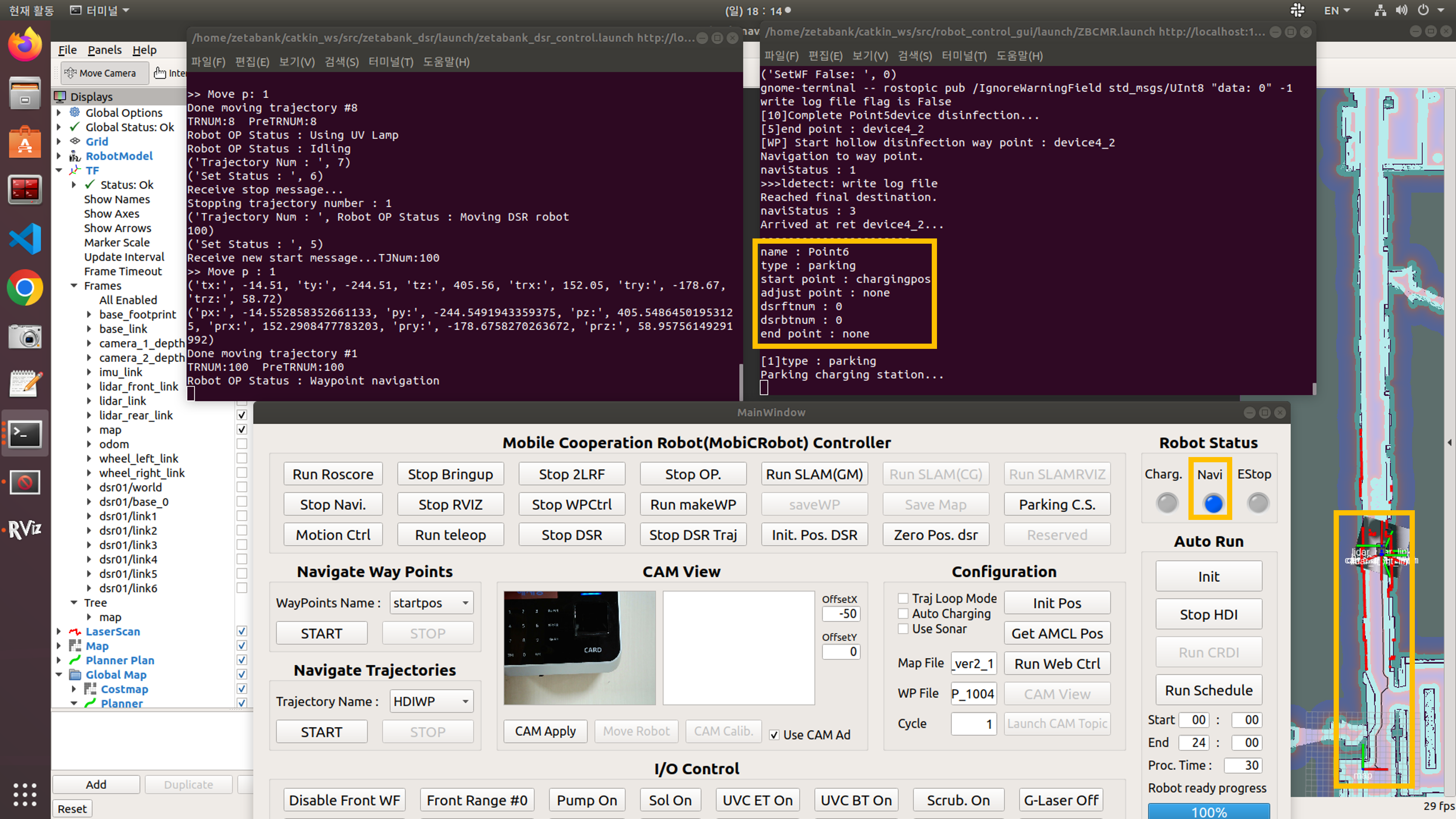
Charge
Charge until next disinfection.