Mapping
Creating maps for automated driving
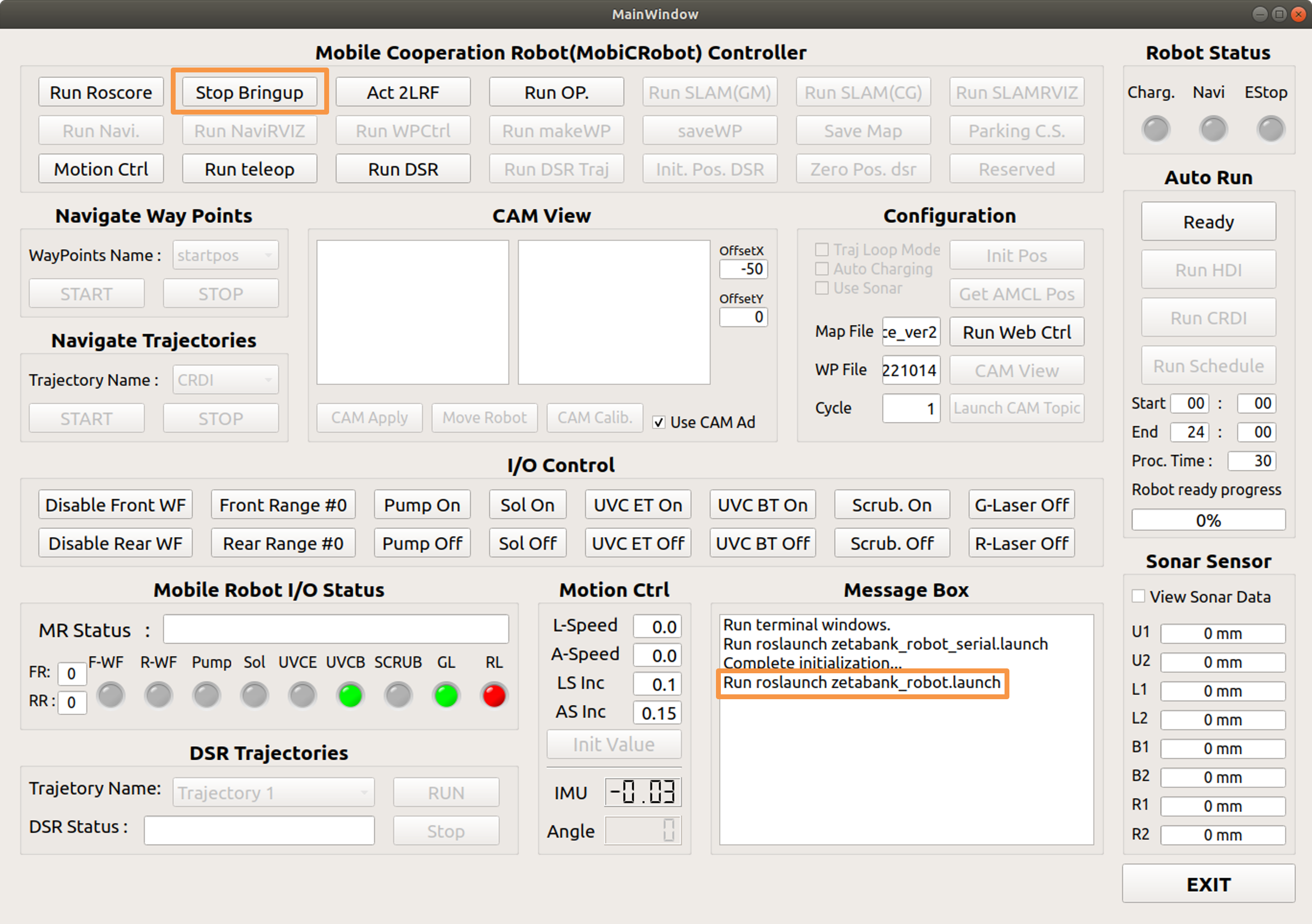
Run Bringup
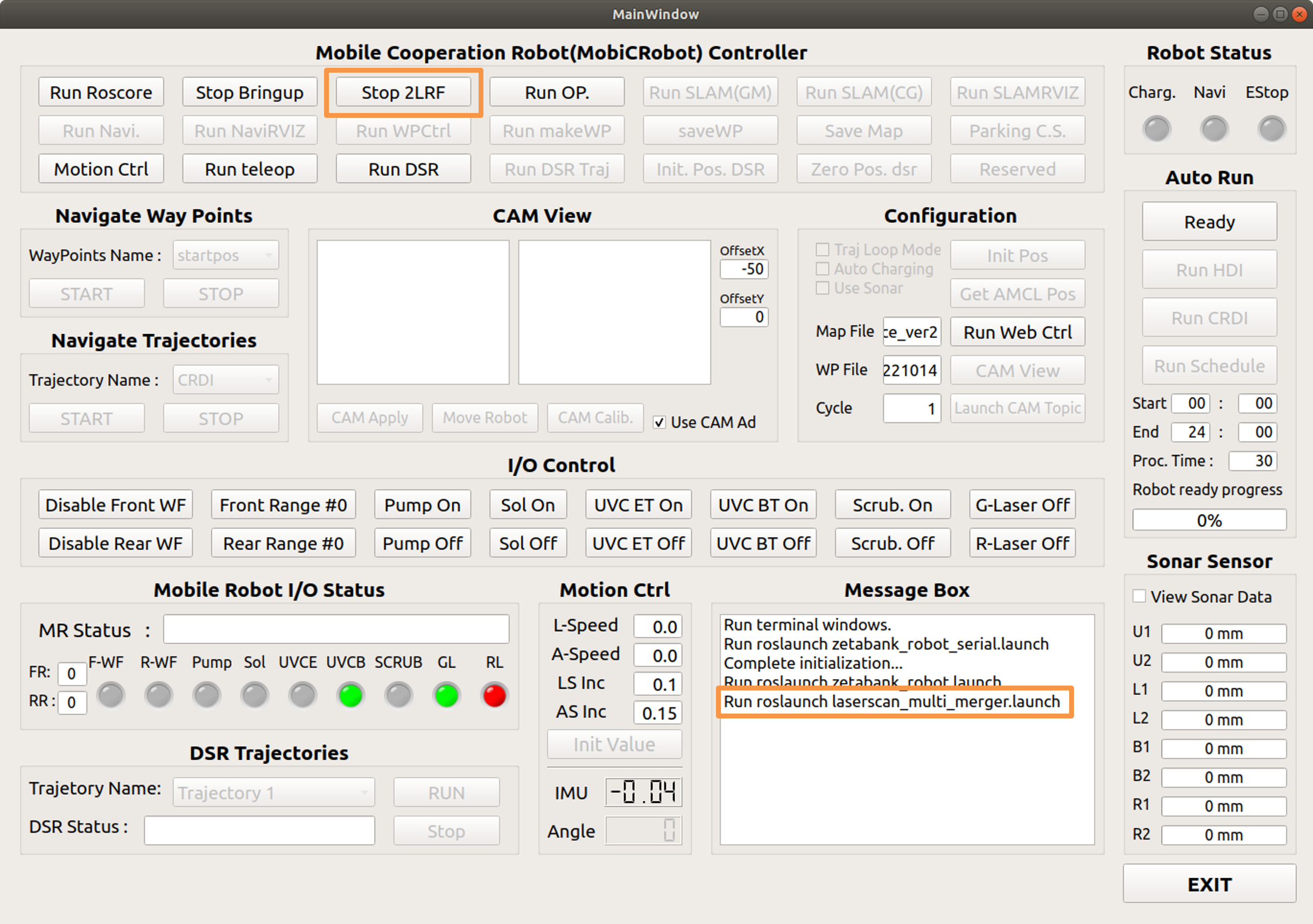
Act 2LRF
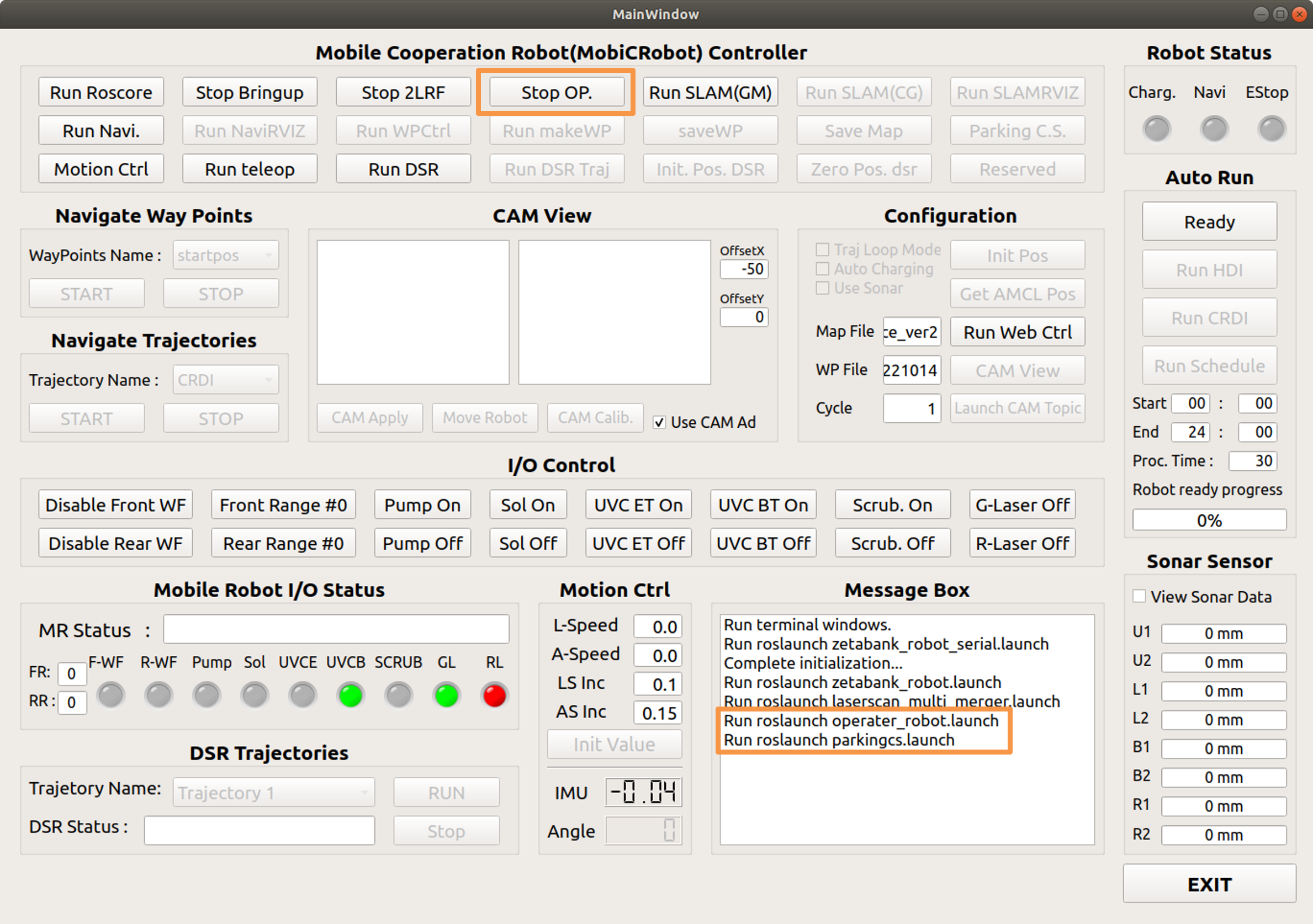
Run OP.
Run SLAM(GM) & SLAMRVIZ
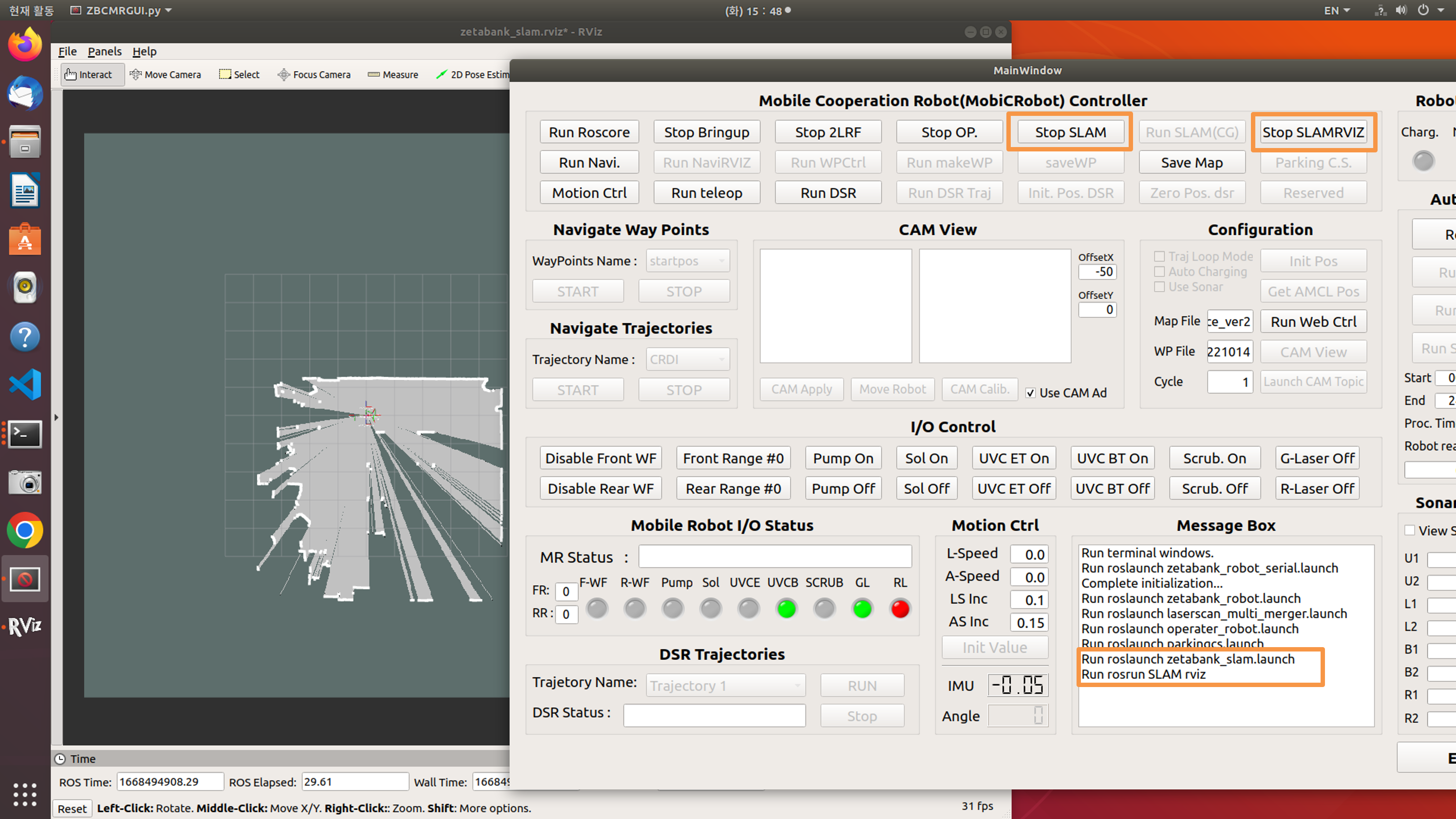
Draw Map
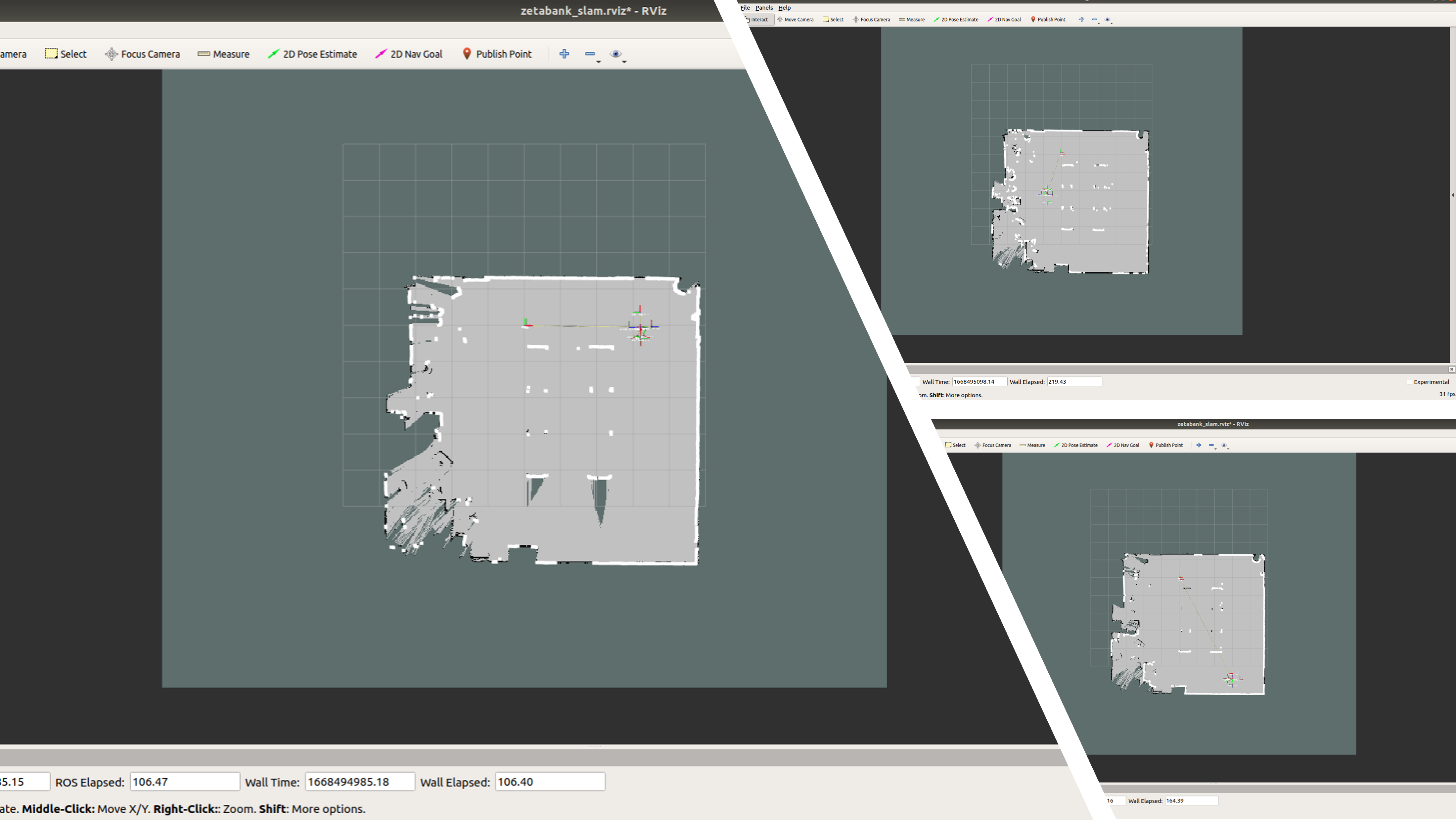
Draw the map while driving the robot using Motion ctrl.
Save Map
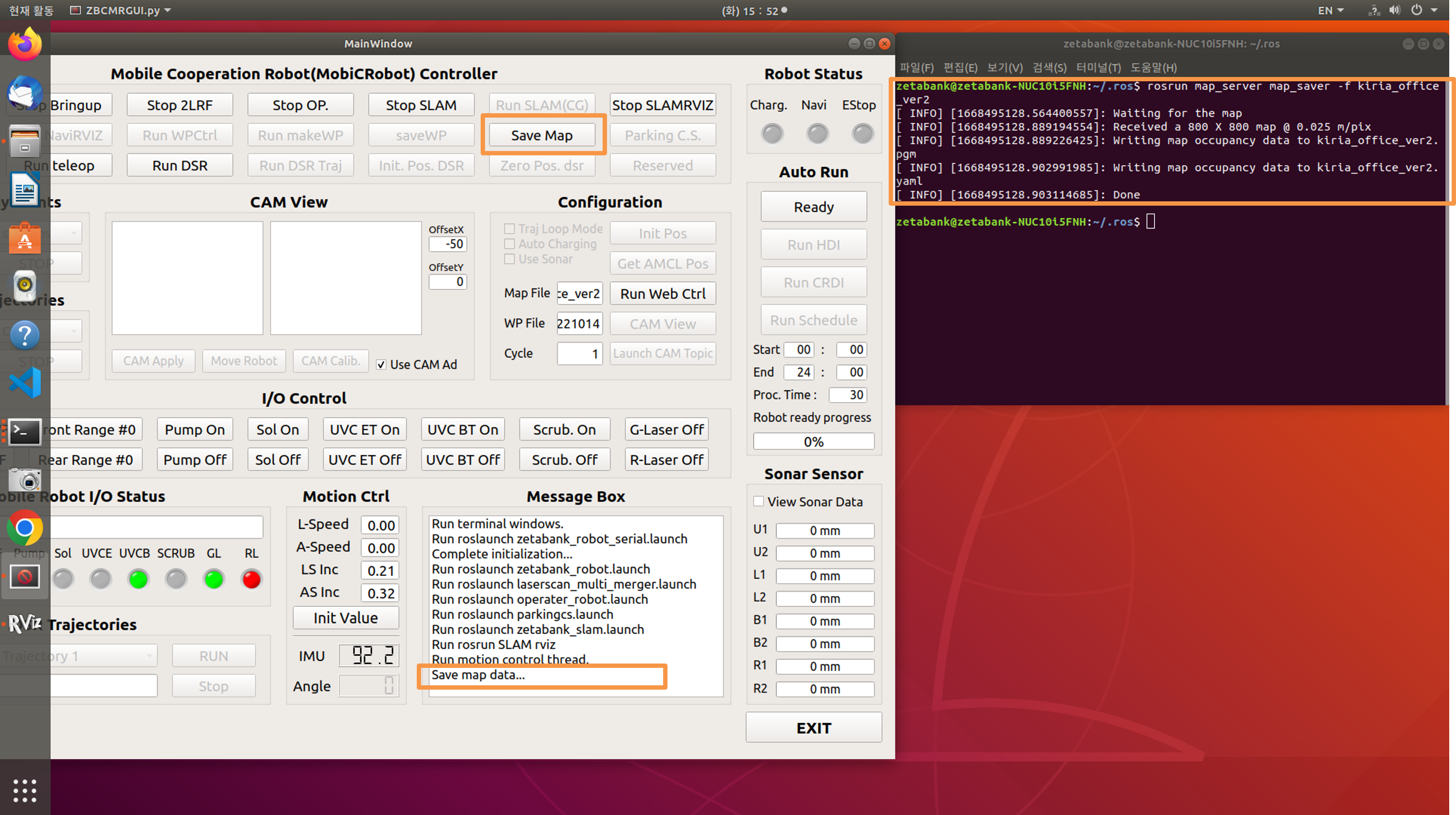
After drawing the map, click save map.
The name of the map stored in the terminal is output.
Inside the <.ros> folder, one pgm file and one yaml file are created, and the pgm file can be modified using the gimp program.
The pgm file shows the outline of the map and the yaml file shows the details of the map.