Parking C.S.
Carrying out automatic parking to the charging station
Move to the front of the charging station
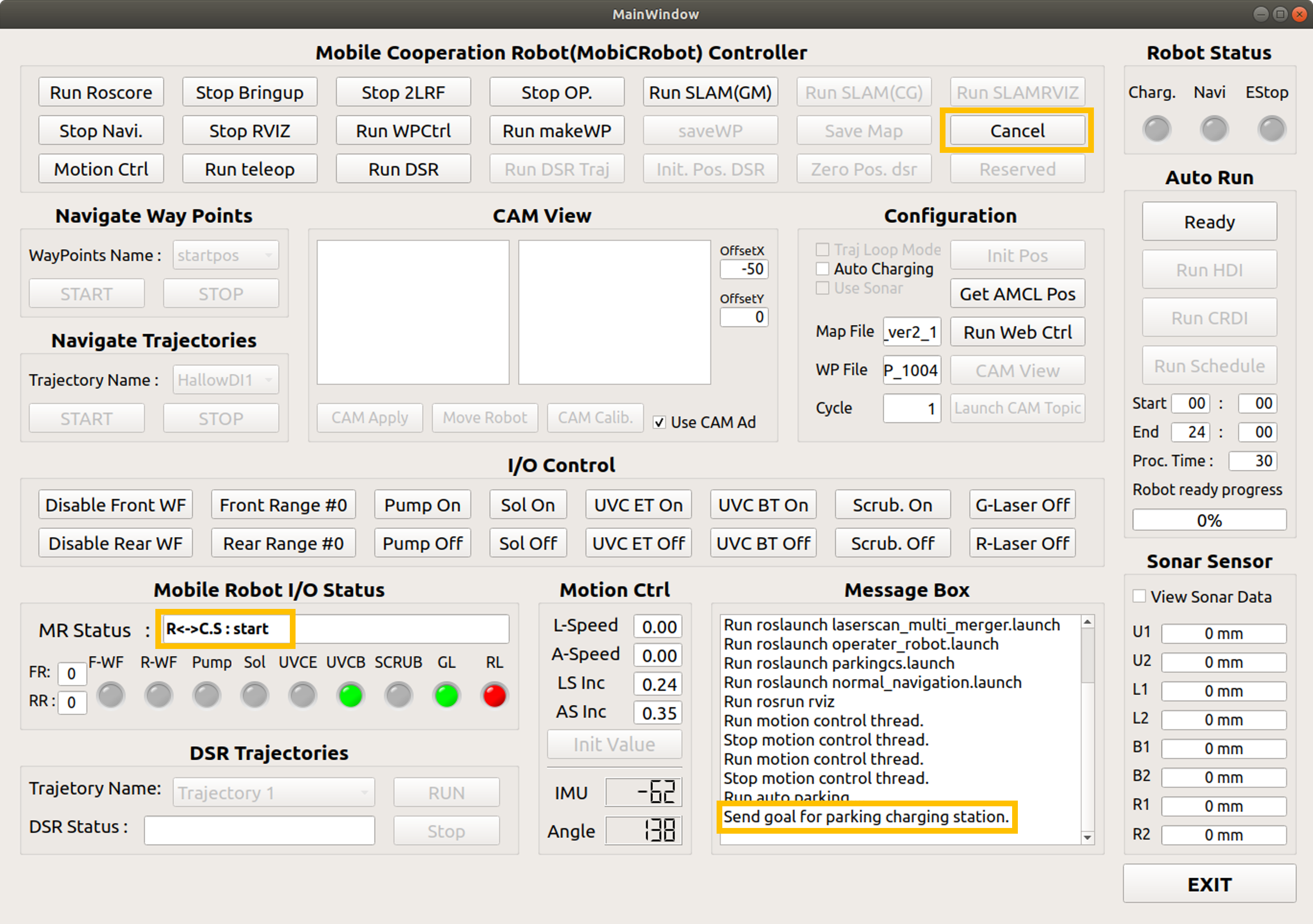

The message “Send goal for parking charging station” appears in the Message box.
Display start phrase in robot status
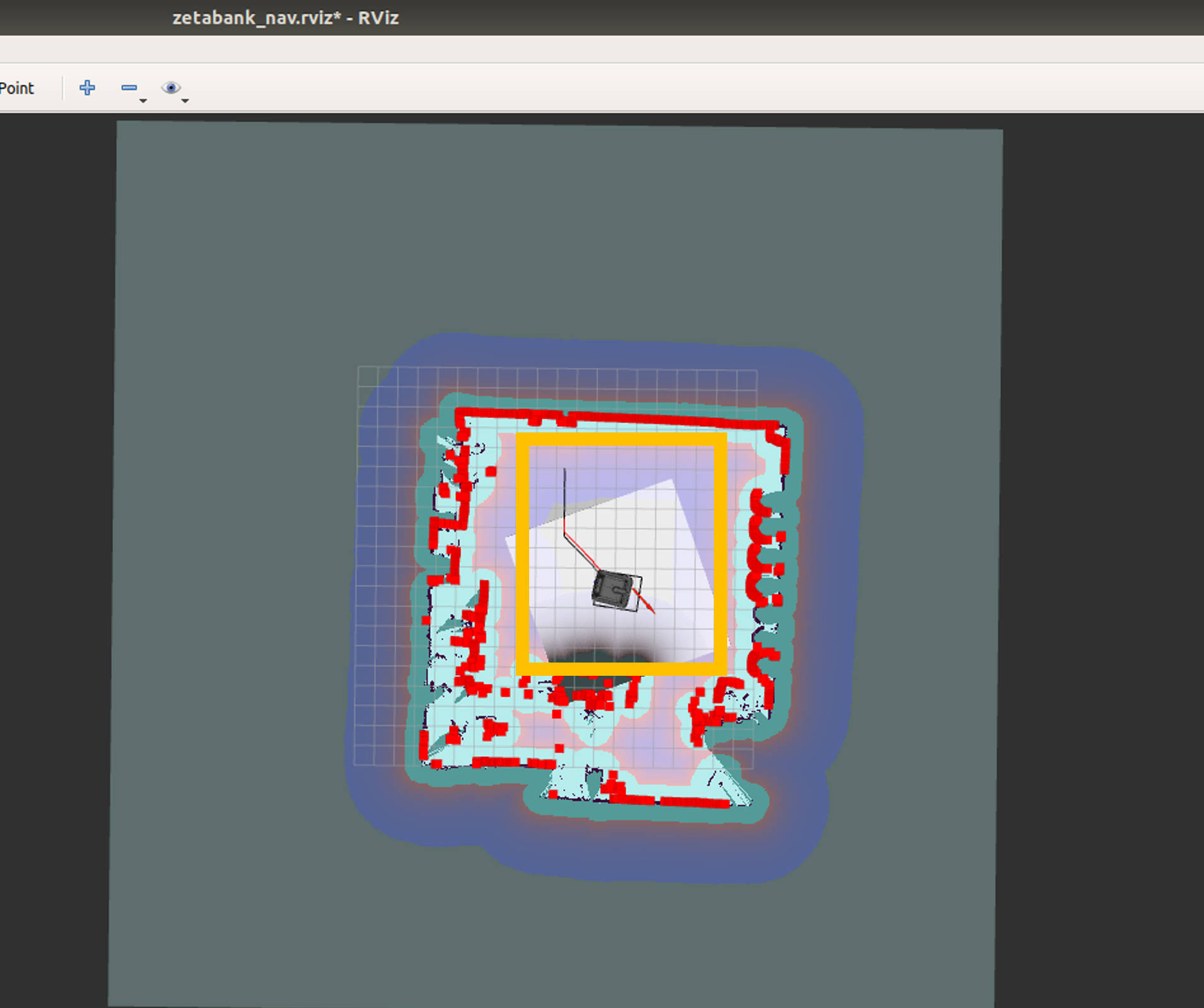
Go to the charging station location
Dock to the charging station and start charging
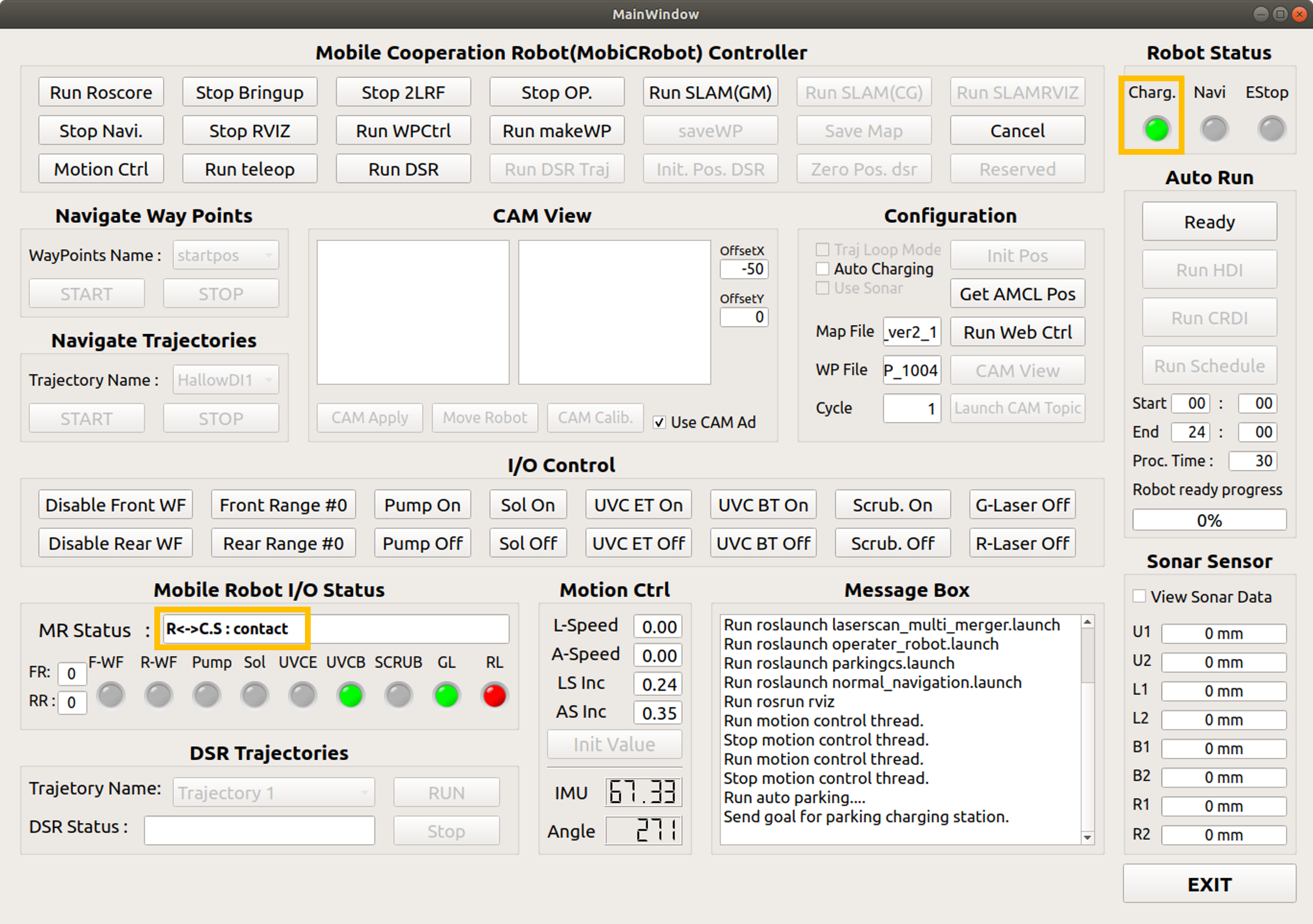
When docking is completed and charging starts, the charge LED turns green.
Output contact message
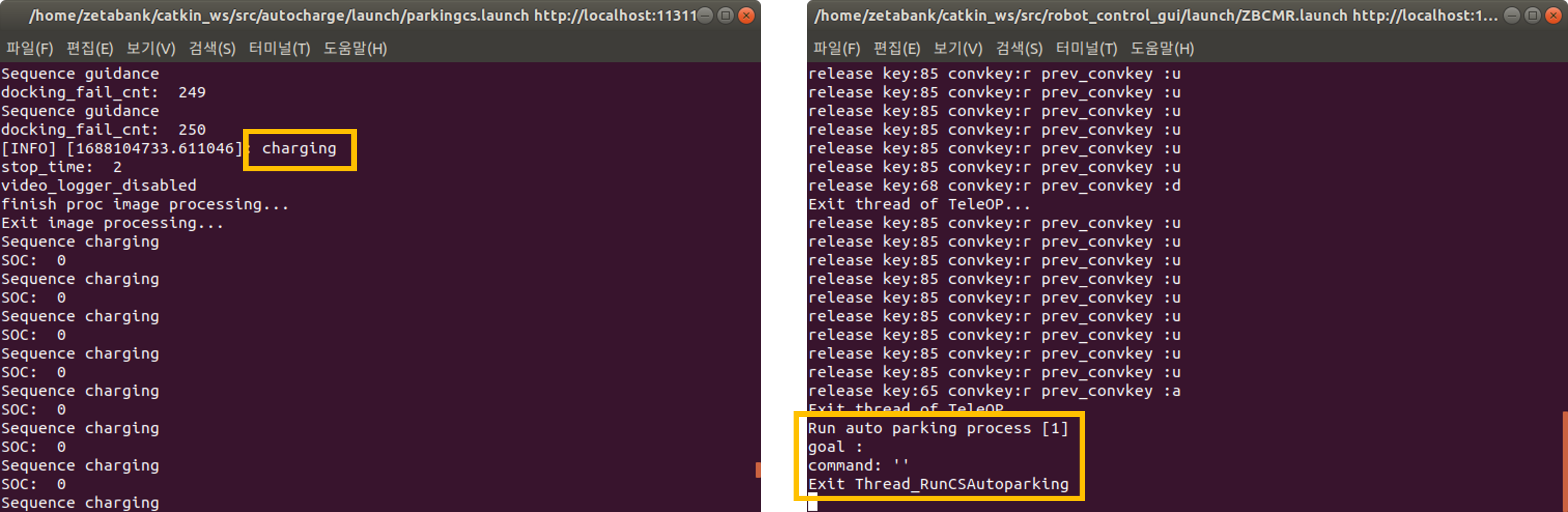
The robot mode is changed to charging, and you can check the battery status.
Charging cancel
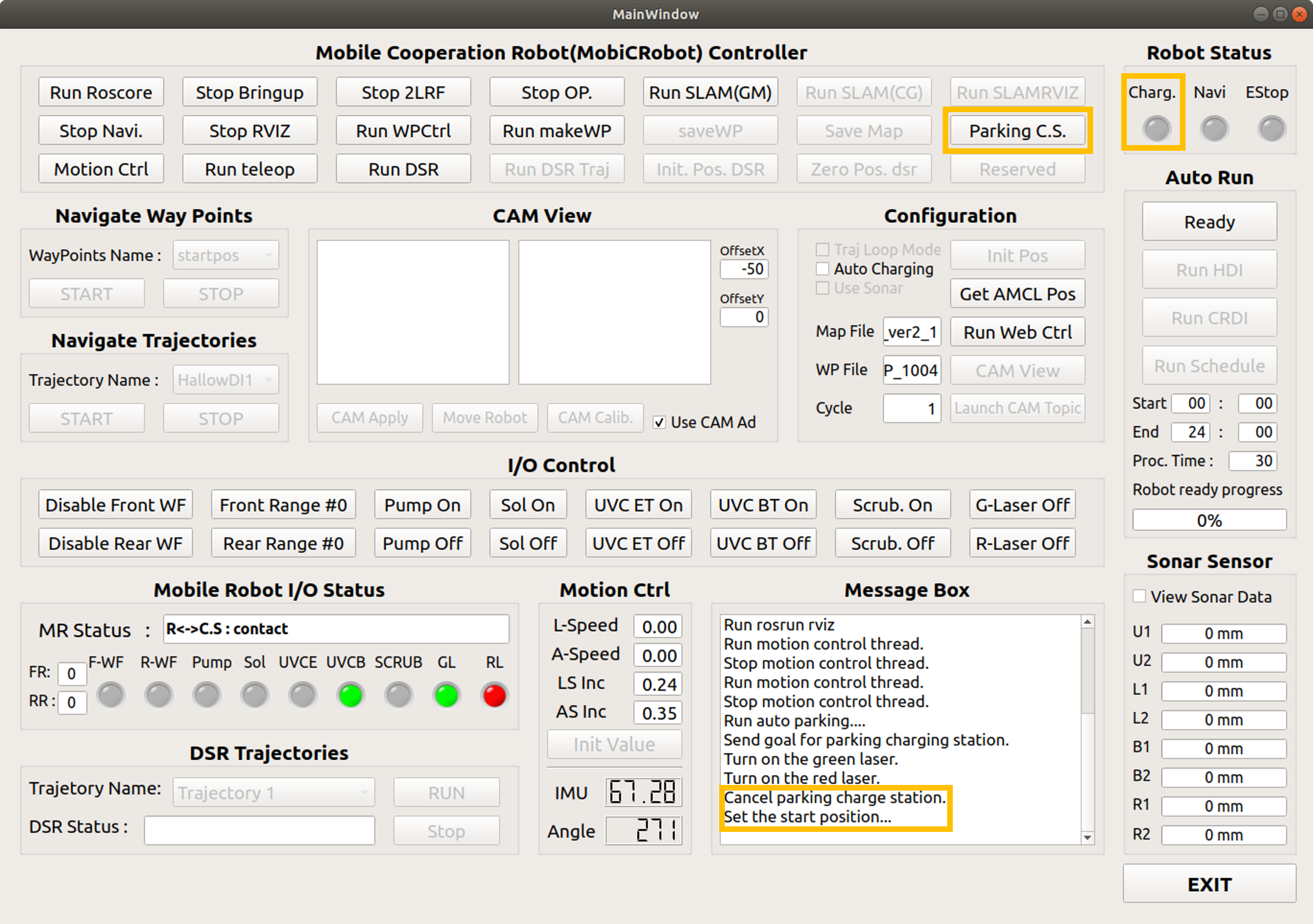

The charge LED turns off, and the message “Cancel parking charge station” is displayed in the message box.
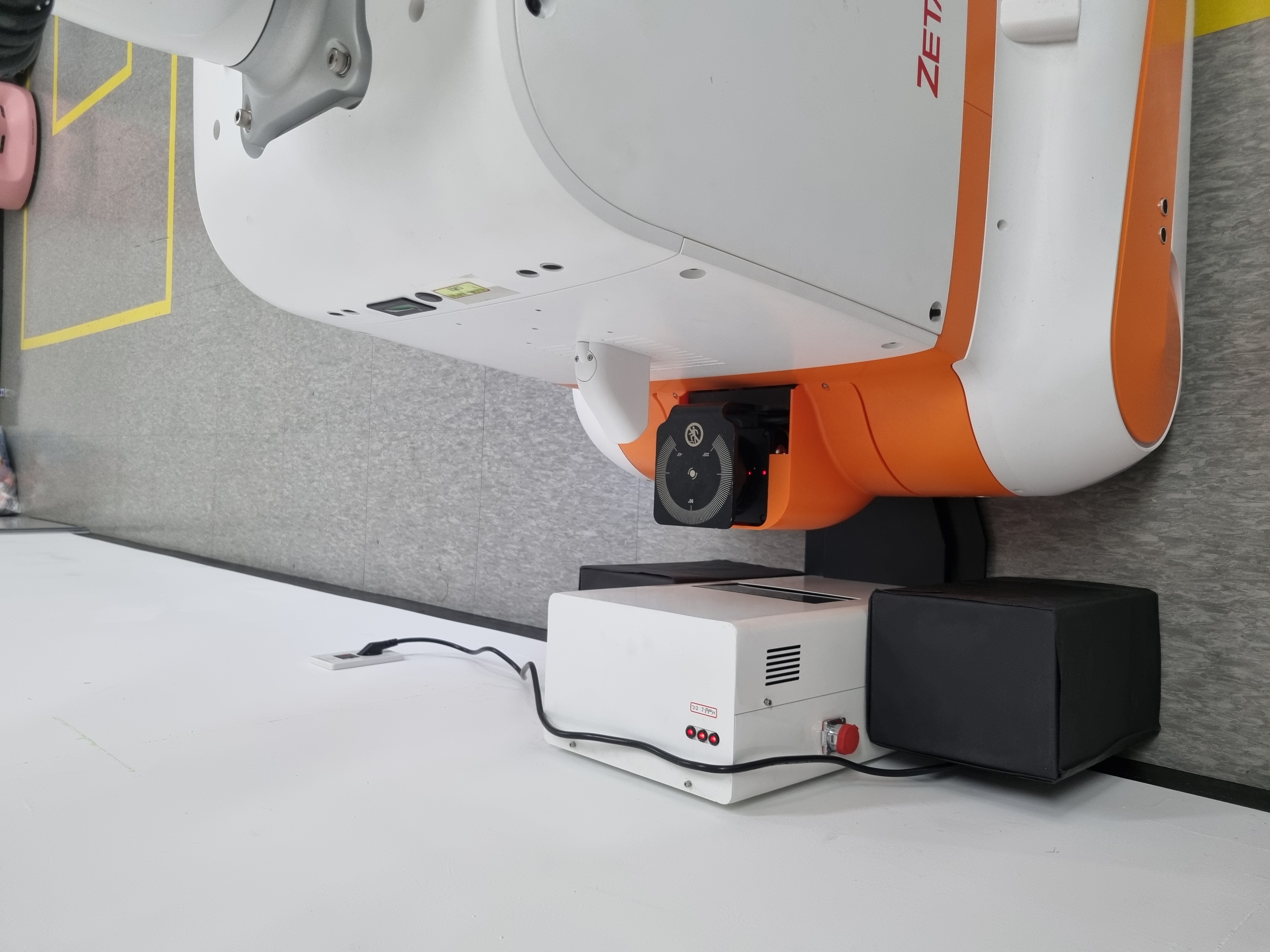
Turn off the laser and bottom uvc right before charging.
When charging cancel, turn on the laser and bottom uvc.